AI writes the syntax.
you do the thinking.
Make it visible.

LevelUp is the progress system built into VS Code. Bring your editor to life, manage your tasks, and end every session with a measurable victory.

The official LevelUp trailer: the logo appears over a starfield, then a flight through the extension — the dashboard with FP charts and time tracking, leaderboards, realtime progress and tasks in Cortex — ending on the LevelUp logo and levelupvscode.com
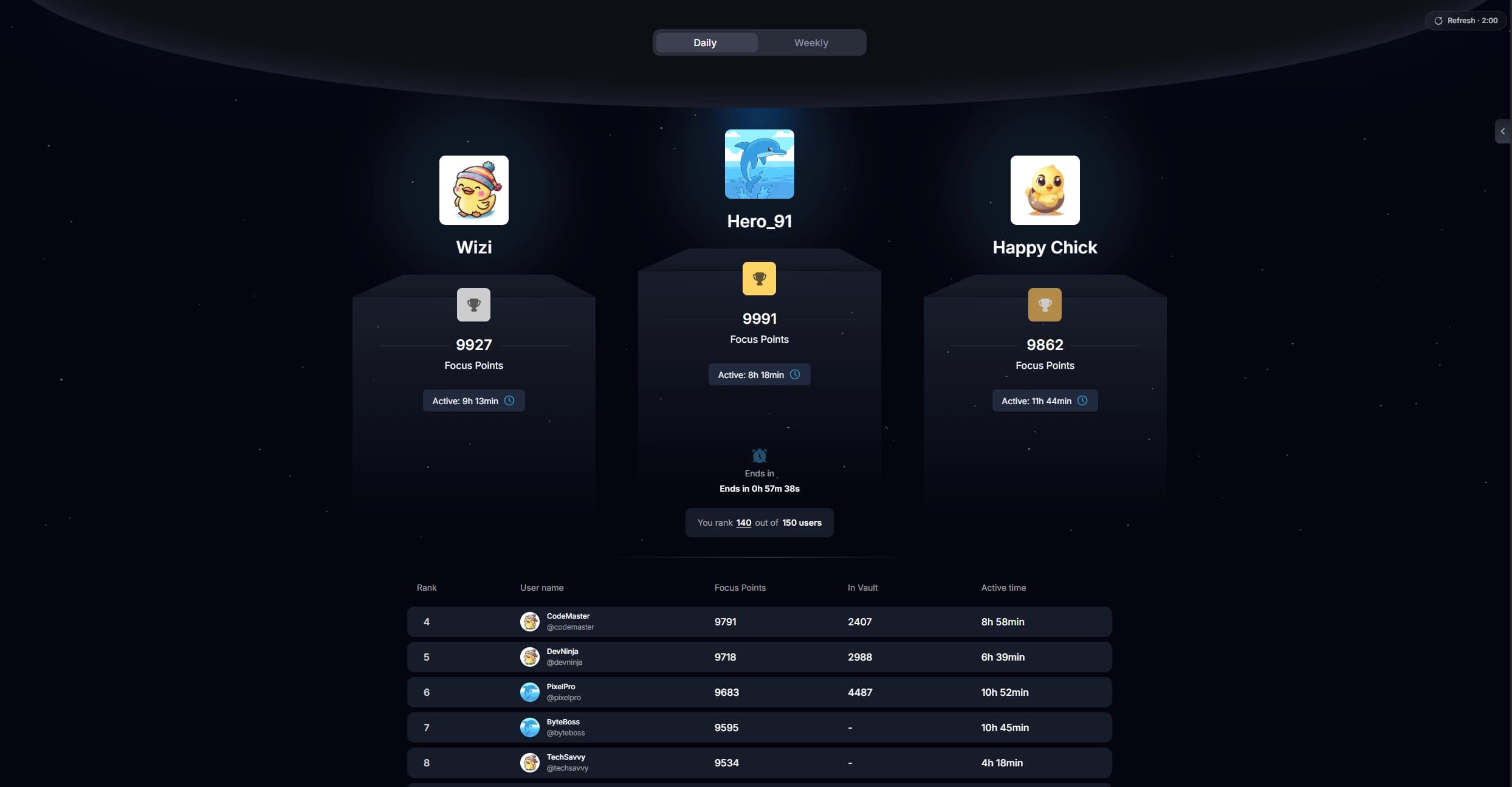
Leaderboard podium
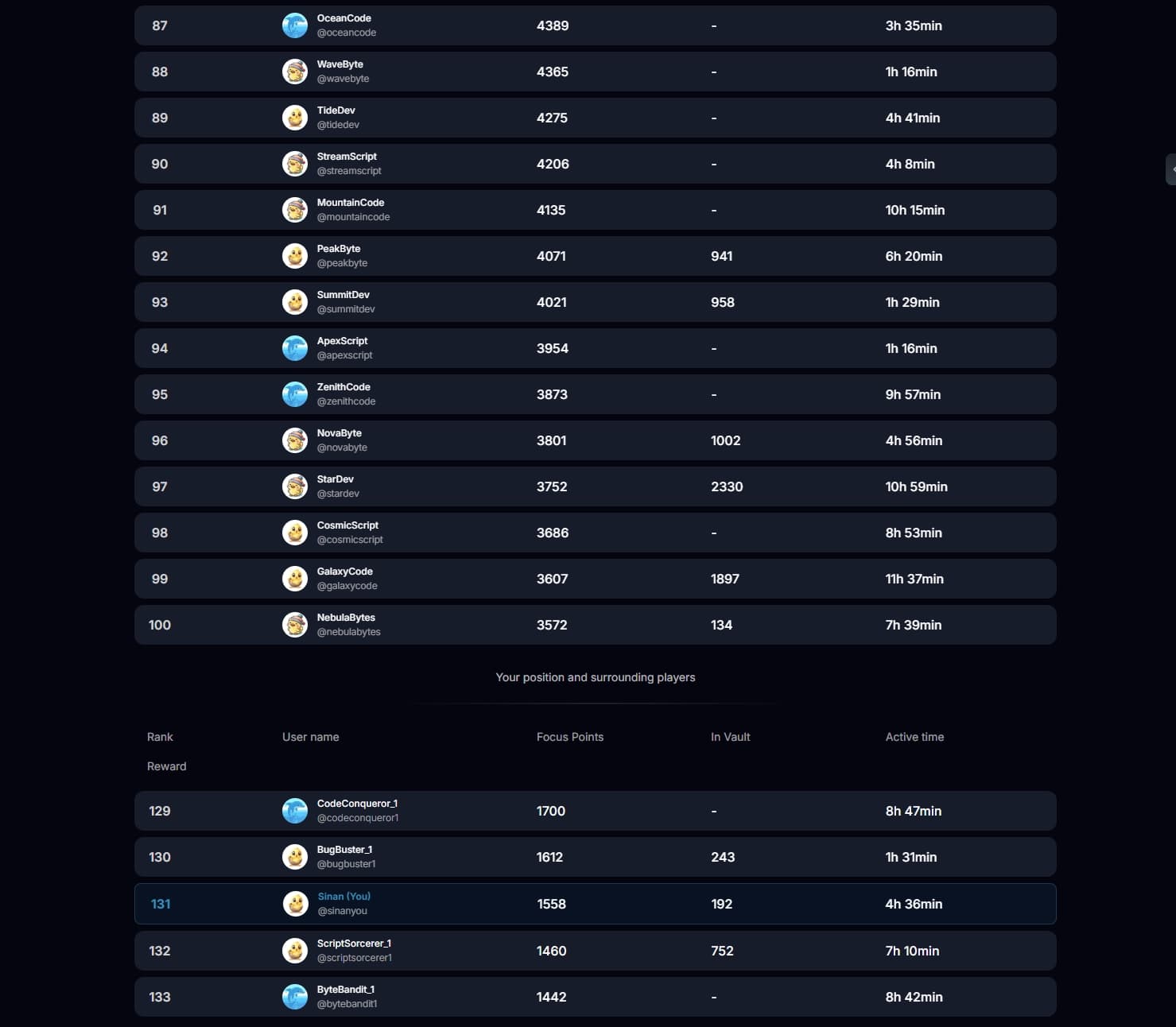
LevelUp Leaderboards
Time tracking view
Time tracking strip chart
Cortex feature list preview with full AI-Support

LevelUp Trailer

A 36-second glimpse into LevelUp.

See how LevelUp works

Your day, with LevelUpLevelUp Logo - Arrow only

You were going to code anyway. But did you know, you can make it feel like a game?

  1. Just start...the game is already on

    Every keystroke and every minute of focused work turns into Focus Points (FP). The Activity Tracker decides how many.
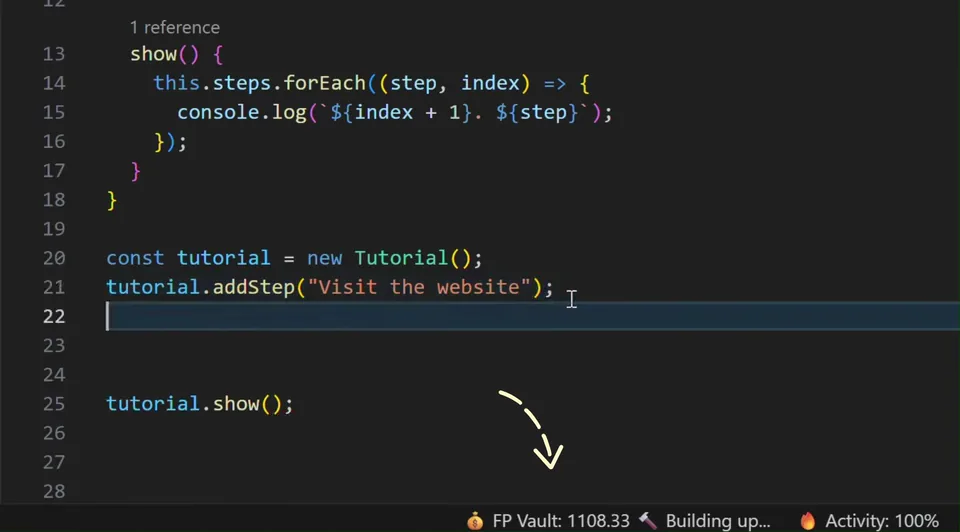
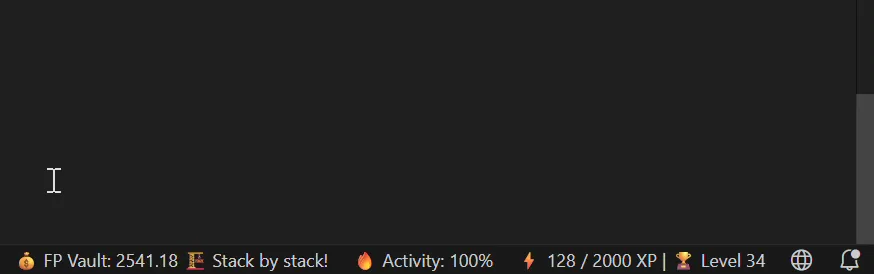
    Typing a method into a file in VS Code while the LevelUp status bar counts the FP Vault up — next to it the current activity state, the Activity score and the XP progress towards the next level
  2. Your concentration is your multiplier

    The Activity Tracker reflects your concentration over time across eleven states. For each state, you earn Activity Points. Your final score becomes a multiplier for every Focus Point (FP) you earn.
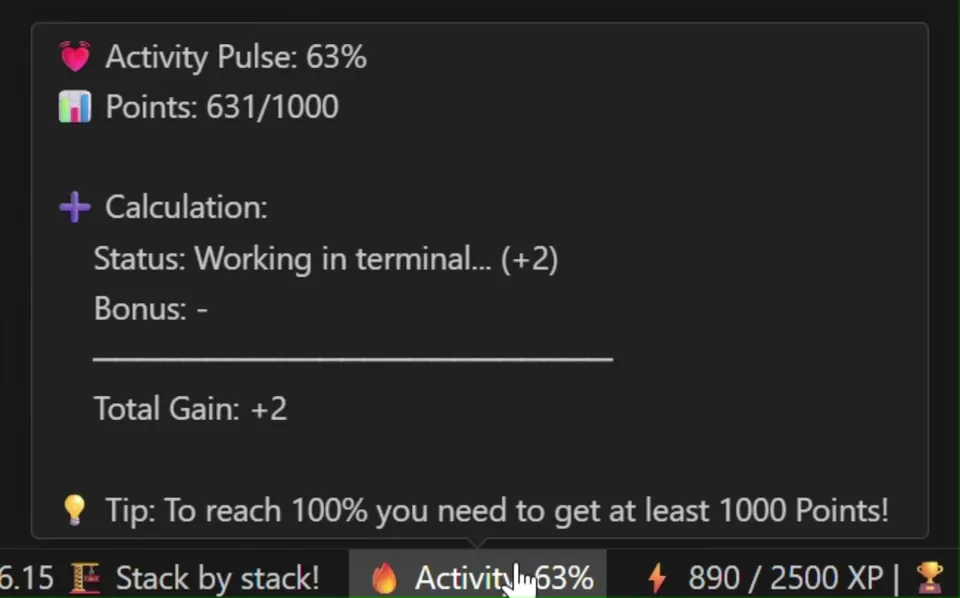
    The LevelUp Activity Tracker in VS Code moving through its states while coding — the activity score climbs and with it the multiplier on every Focus Point earned
  3. Let's see what we've accumulated

    Your FP accumulate in your Vault. One look shows you where every point came from and what is waiting for you. It has its own level system which resets every day.
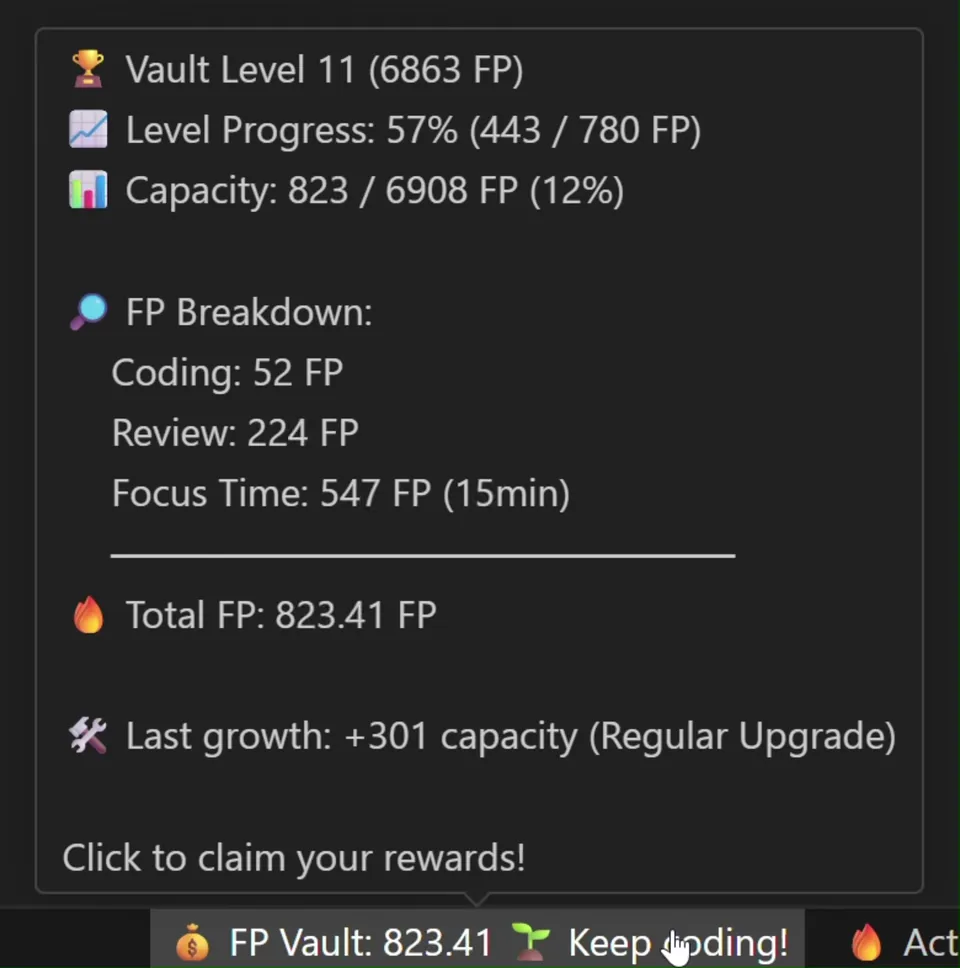
    The LevelUp Vault tooltip in VS Code: vault level 11 and its progress, capacity, an FP breakdown by coding, review and focus time, the total FP and a capacity growth roll — ending in "Click to claim your rewards"
  4. Now it's time to claim

    The best part. Probably. Always a win, after each session.

    The LevelUp status bar during a claim: the FP Vault empties down to almost zero while the XP progress jumps towards the next level, at 100% activity
  5. Going into the cockpit

    Here ends your XP. Your dashboard displays your level and much more. Set yourself a daily goal or simply enjoy watching the progress you’ve made.
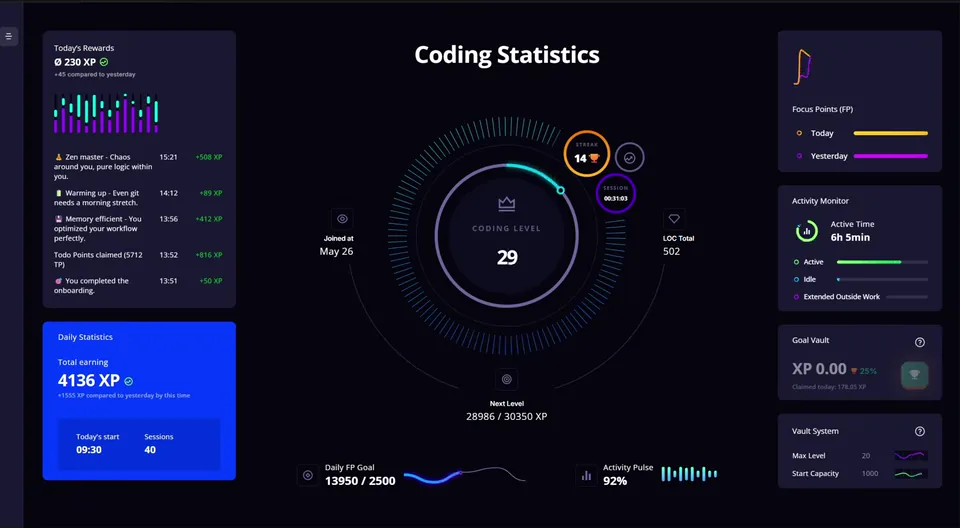
    The LevelUp dashboard: coding level in a glowing ring at the centre, framed by the rewards log, daily statistics, the Focus Points chart, the activity monitor, goal vault and vault system — with the daily FP goal and the Activity Pulse along the bottom
  6. Look! We reached a milestone.

    Every 5th level up to level 50 is a milestone. LevelUp will celebrate you and show you the numbers behind it.
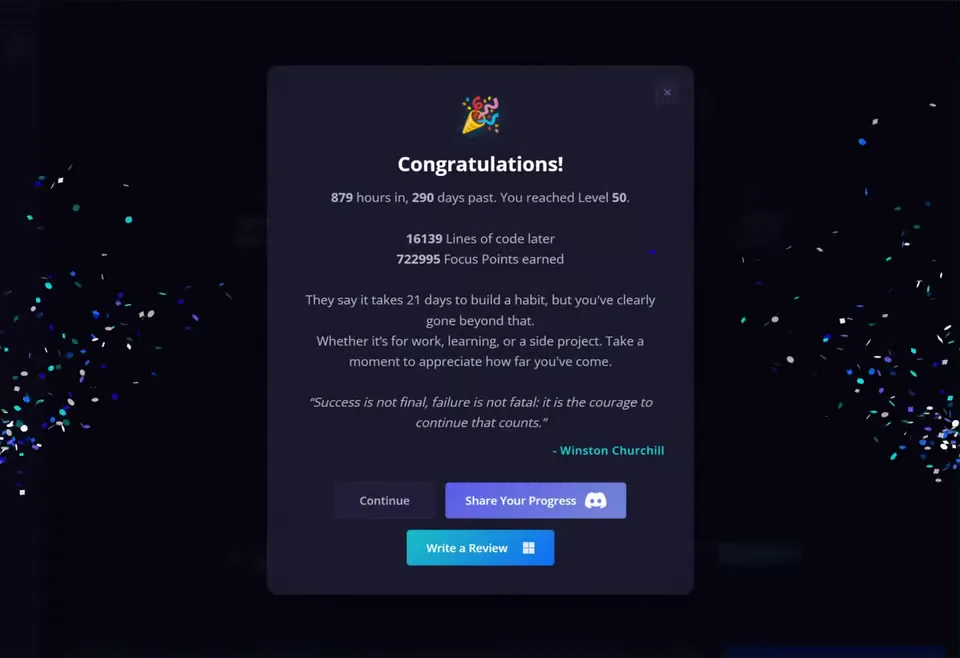
    The LevelUp milestone modal in VS Code, confetti raining down either side: "Congratulations! 879 hours in, 290 days past. You reached Level 50", below it 16139 lines of code and 722995 Focus Points earned, a Churchill quote, and the buttons Continue, Share Your Progress and Write a Review
  7. Wait, where did the time go?

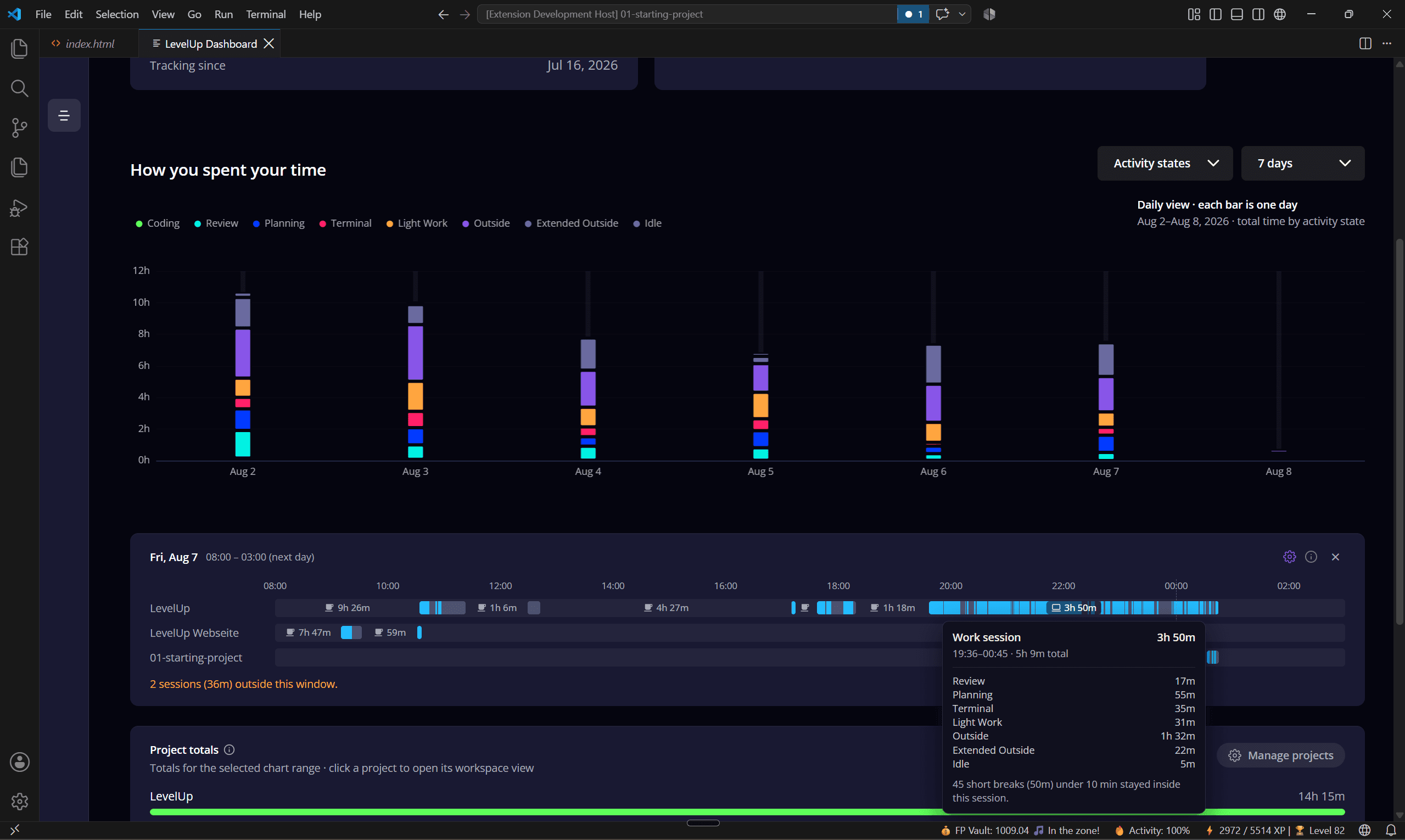
    You look up and the evening is gone. Time Tracking shows you every session, every break and every project, down to the minute. Your data is never sent to a server.
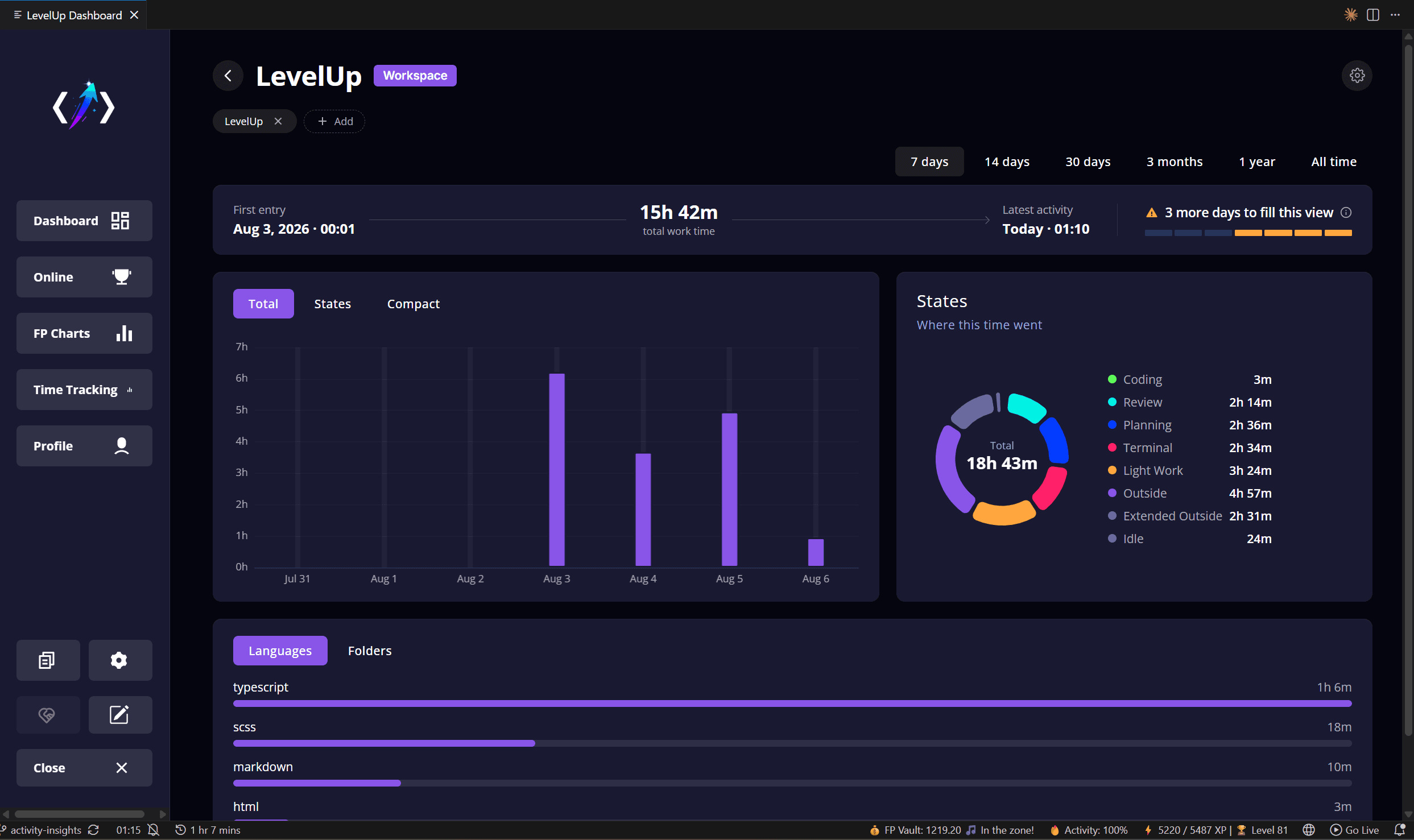
    The Time Tracking view in the LevelUp dashboard: 15h 42m total work time over seven days, a bar per day, a donut chart splitting the time across activity states and a list of languages below
    The "How you spent your time" chart: one stacked bar per day by activity state, below it a timeline of Friday with the sessions per project and a tooltip showing a 3h 50m work session with its breaks
  8. Let's plan some tasks.

    First, solve the problem. Then, write the code. Cortex is a developer's 'second brain' for short-term tasks, designed for speed and maximum focus. Works with your AI assistant.

    A full walkthrough of Cortex, the LevelUp task workspace in VS Code: todos with estimations and timers, markdown and the slash menu, code linking, notes, feature lists for bigger tasks, and jumping between workspaces
  9. Rank up with others while you reach your goals

  10. And more...

    Now you know the key parts of LevelUp. There is much more that you can only find when you try it. What are you waiting for?
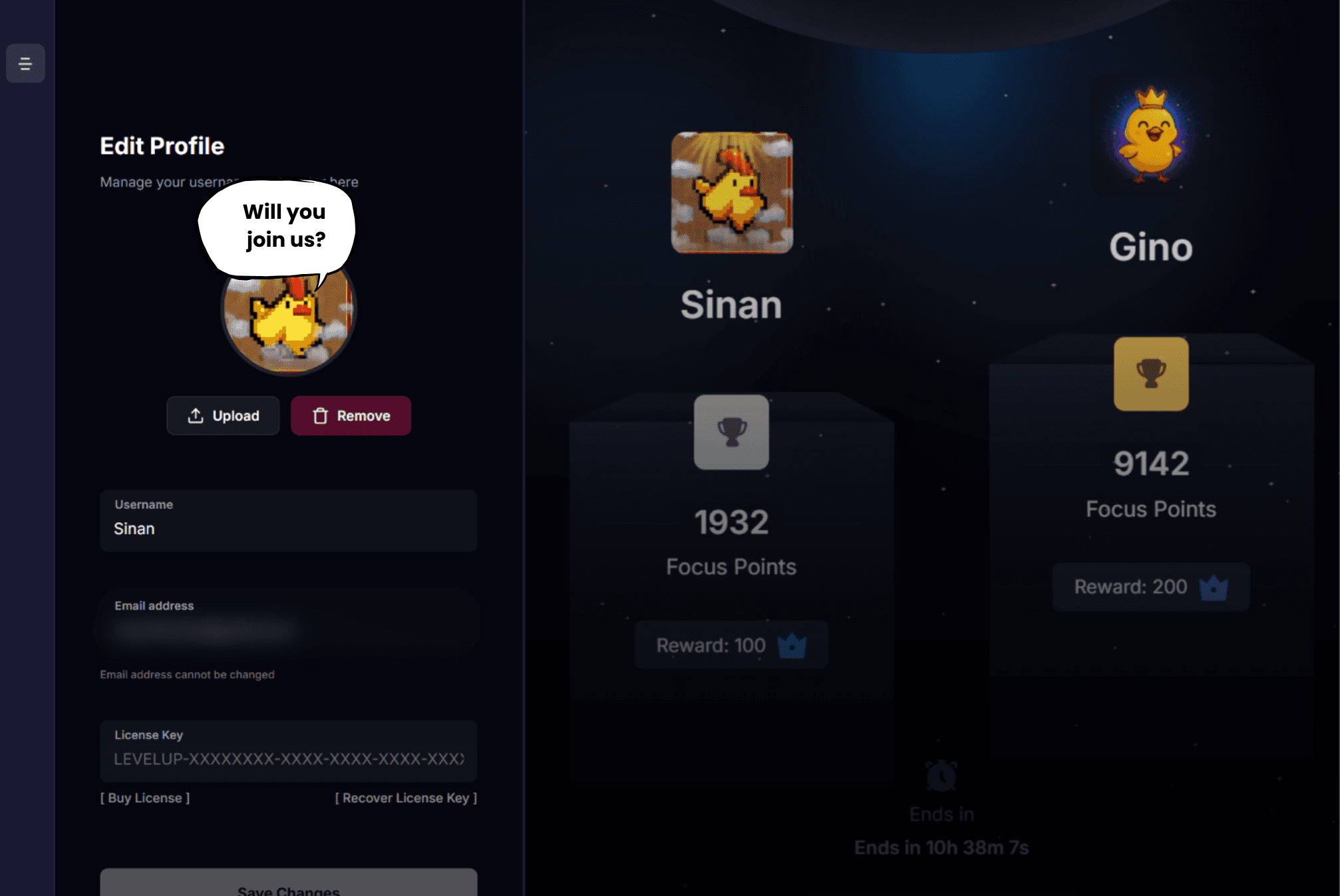
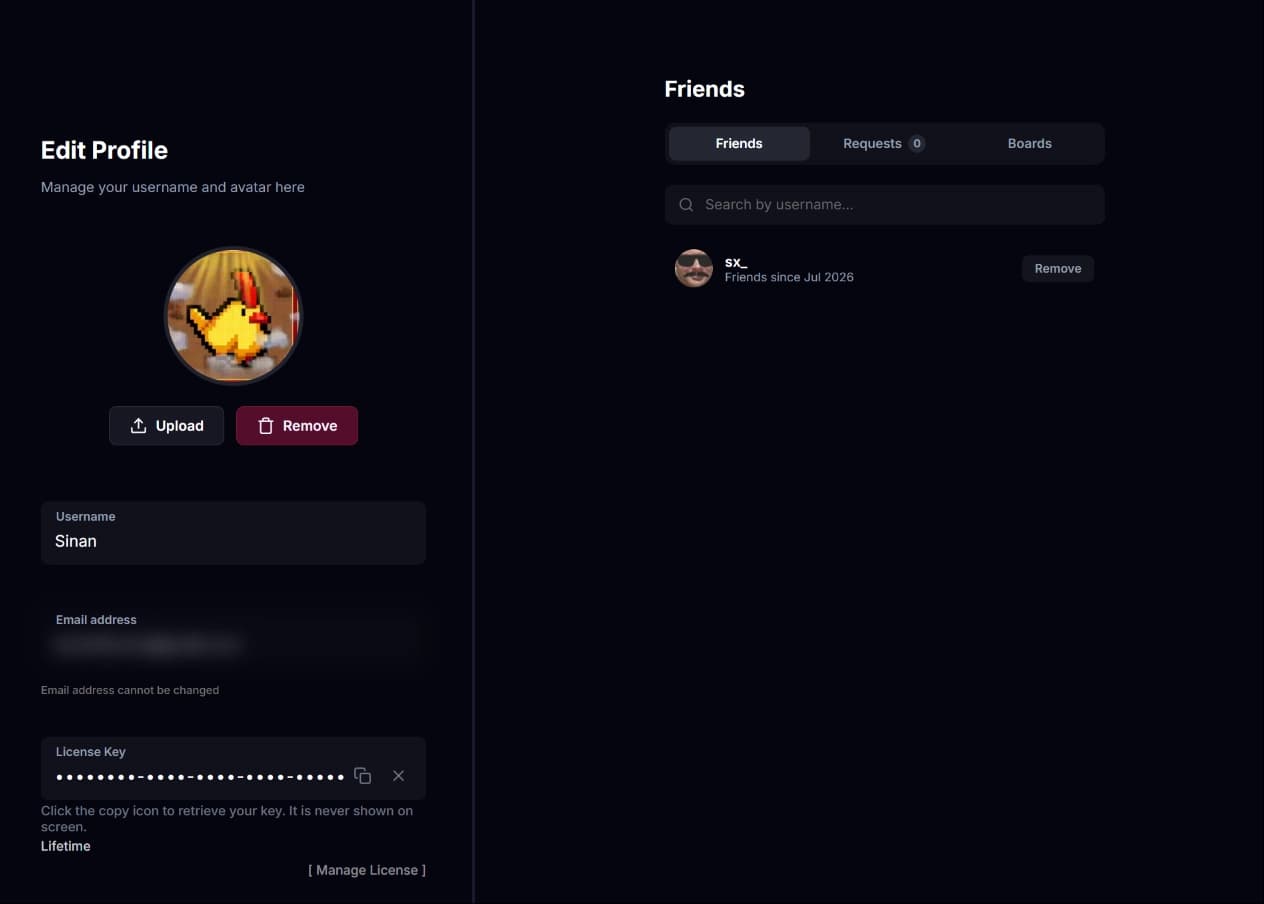
    The LevelUp profile page next to the leaderboard podium: a pixel-chick avatar with the speech bubble "Will you join us?", beside it Sinan with 1932 Focus Points and Gino leading with 9142 and a crown

Now it's on you.

Are you ready for a new kind of coding experience? Try it out. It's free.